
Switch to the good side every first Sunday!
Switch Together
Upcoming DIDay events – join in!
-
Lost im digitalen Alltag? Wir helfen.
Meldorf, Germany
-
Linux & Open Source im Unperfekthaus
Essen, Germany
-
Lost im digitalen Alltag? Wir helfen.
Meldorf, Germany
-

Wechselrezepte-KI
Münster, Germany
-
Hybrider FOSS GameDev Workshop
Nuremberg, Germany
-
di.day Büdelsdorf
Büdelsdorf, Germany
-
Linux-Café Stuttgart Kaltental
Stuttgart, Germany
-
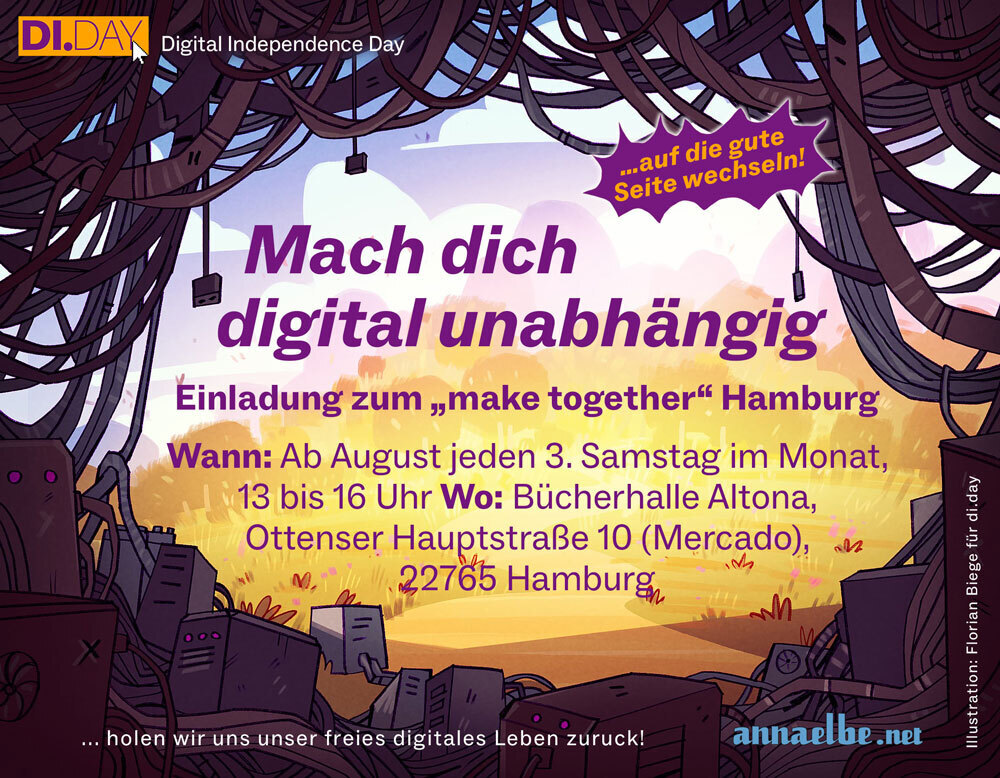
"Make together" mit anna elbe
Hamburg, Germany
-
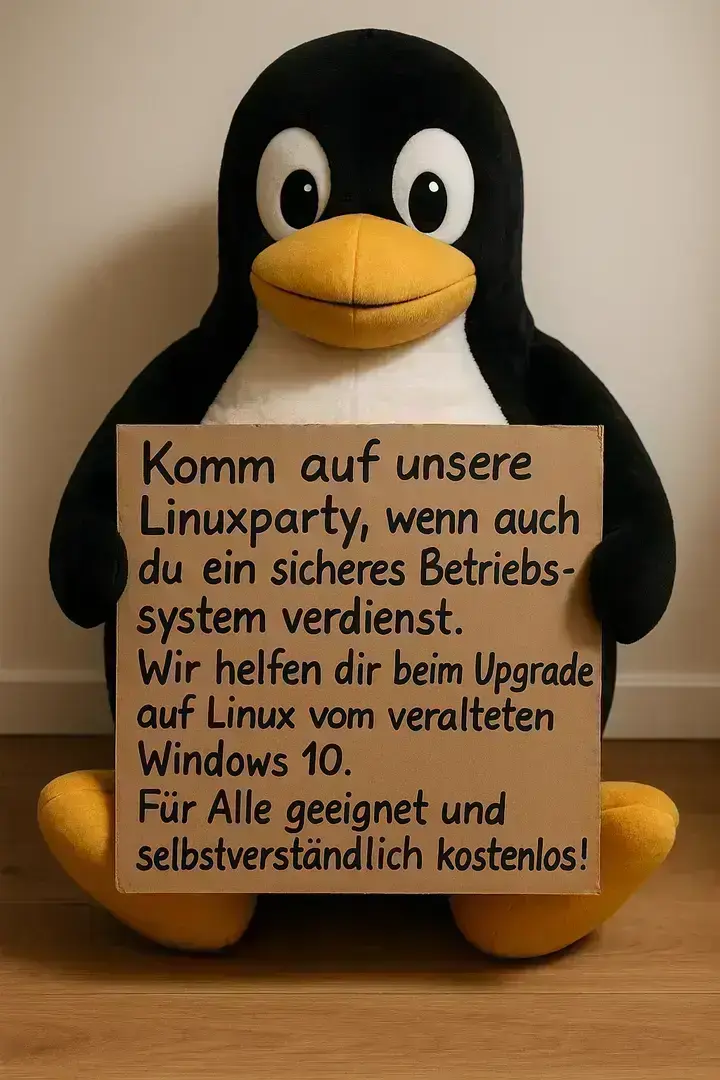
End of 10 Linux-Install-Party
Hamburg, Germany
-
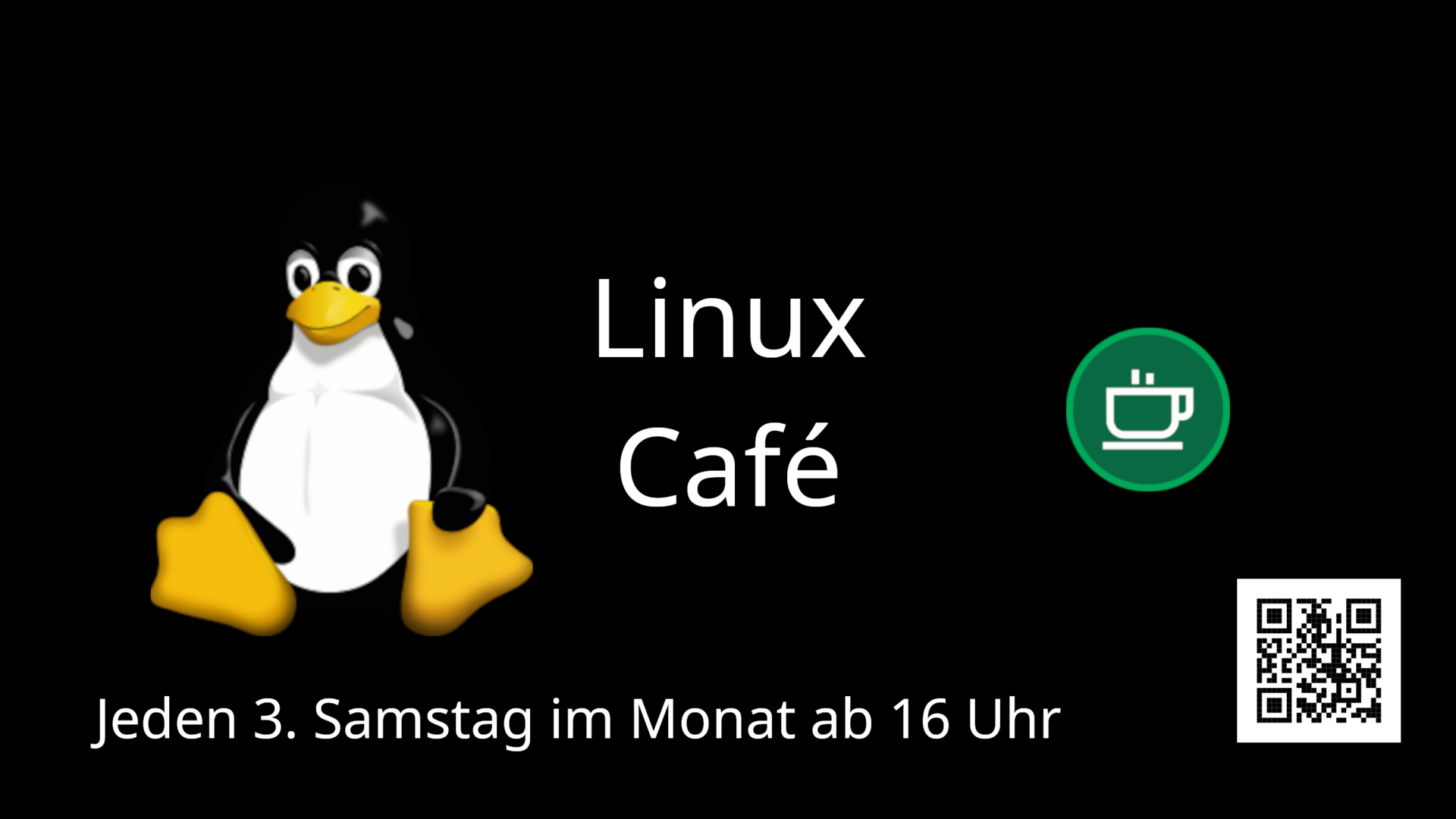
Linux-Café des CCC Frankfurt
Frankfurt, Germany
-
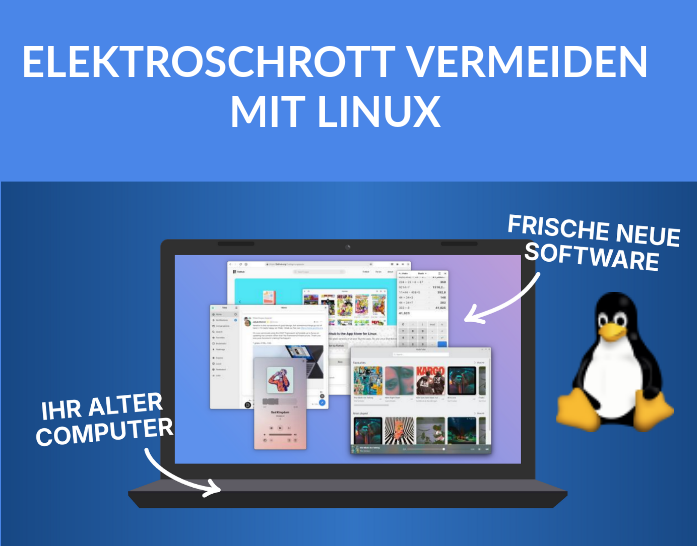
Linux-Sprechstunde im Möckernkiez
Berlin, Germany
-
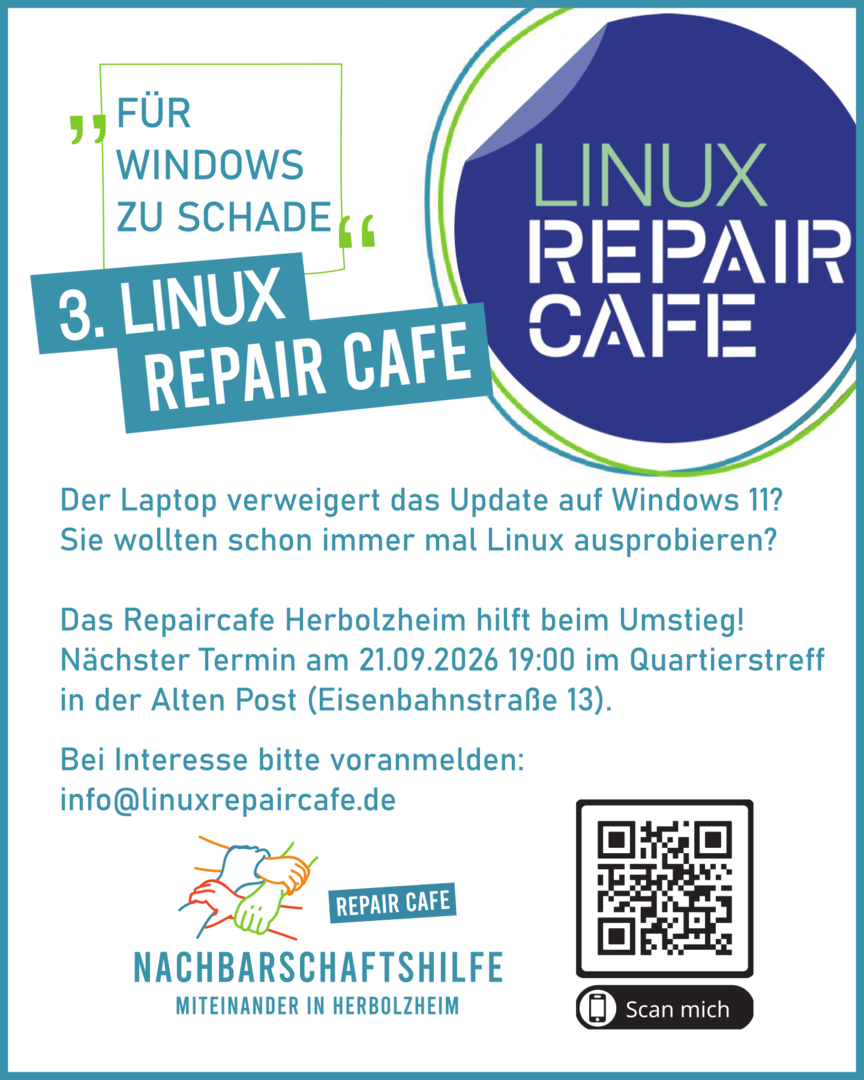
Linux Repair Café
Herbolzheim, Germany
- Event calendar
Why Digital Independence?
Big tech corporations collect massive amounts of data, influence our perception through algorithms, and have an enormous impact on our lives.
There are privacy-friendly and ethical alternatives for almost every service. Switching is often easier than expected!

Next Digital Independence Day
On the first Sunday of every month, we encourage you to take a step toward digital independence. Discover our guides.
-
 Microsoft to LibreOffice & Co.Some meals you just cook yourself – not because it's complicated, but because there's no reason to pay someone else for it every month. Word processing is that kind of meal: you need a tool that opens, edits, and saves documents. Nothing more. Microsoft charges a subscription for that, uploads your files to the cloud, and locks you into an ecosystem. LibreOffice gives you exactly those tools – free, local, on every operating system. Switching is easier than you'd expect, and all common Microsoft formats are opened and saved without issues. **Why switch:** - **Completely free** — No monthly subscription, no one-off payment, no hidden costs - **No forced cloud** — Your documents stay on your device and don't automatically go to Microsoft - **Opens all common formats** — .docx, .xlsx, and .pptx are read and saved without issues - **Runs on all operating systems** — Windows, macOS, and Linux are all equally supported - **Open source** — The code is public, independently audited, no hidden backdoorsSee Guide
 -
 Chrome, Edge or Safari to FirefoxWarmth, a handful of good ingredients, and nothing that doesn't belong – that's all it takes for something to turn out really well. A browser is no different: it should load pages, protect your data, and not stir in anything you didn't ask for. Chrome, Edge, and Safari blend in trackers, ad profiles, and corporate interests without asking. Firefox keeps the recipe clean: open source, non-profit, consistently on your side. Switching takes ten minutes and all your bookmarks and passwords come with you. **Why make the switch:** - **Tracking protection from the start** — Blocks thousands of trackers by default, no setup needed - **Open source and transparent** — The code is public and can be independently reviewed by anyone - **Independent of Big Tech** — Developed by Mozilla, not Google, Microsoft, or Apple - **Huge extension ecosystem** — uBlock Origin, Bitwarden, and thousands more tools built right into the browserSee Guide
 -
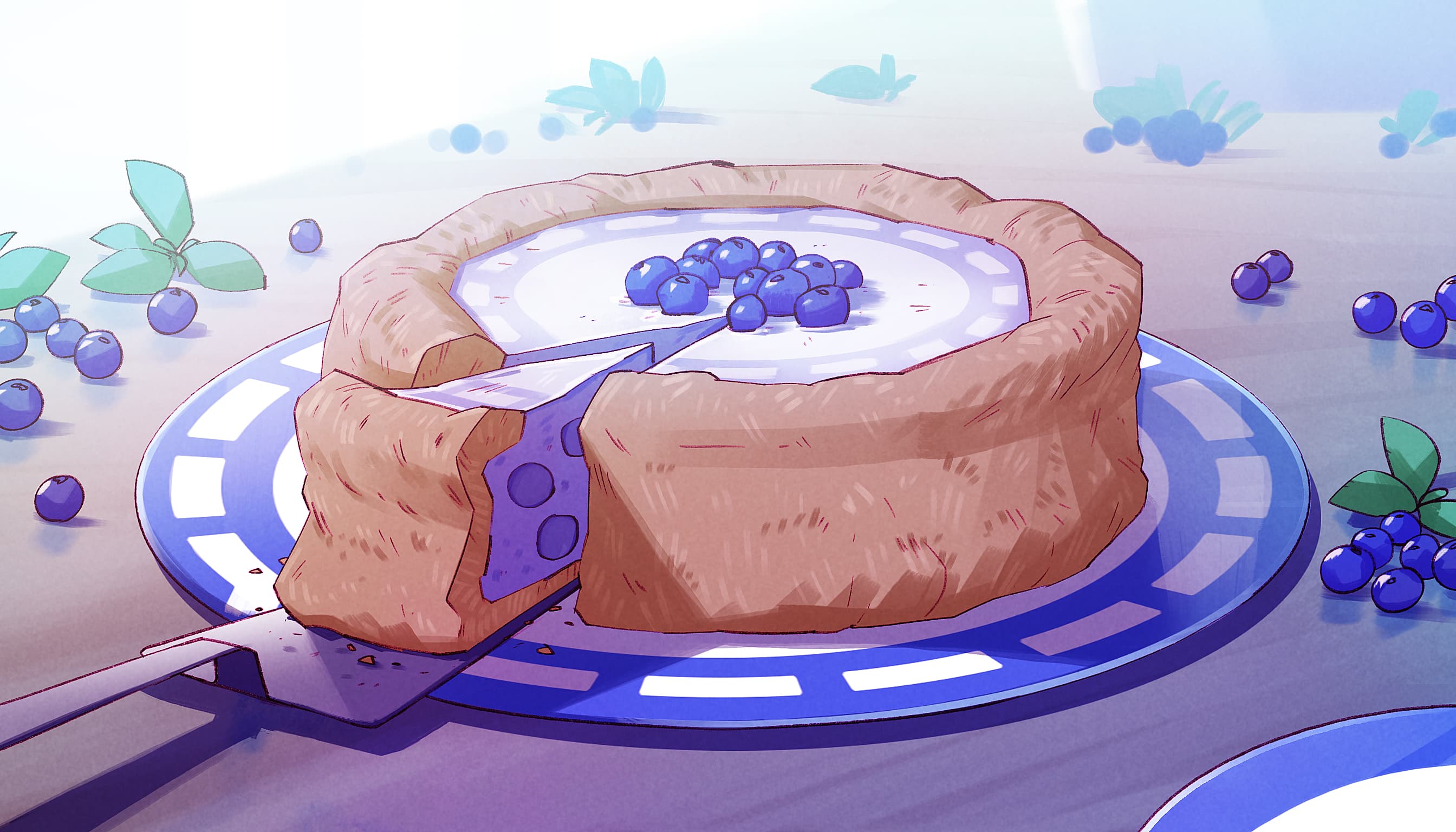 WhatsApp to SignalThe best things are the ones where every layer holds up – not just the surface, but what comes to light when you look more closely. A messenger should be no different: convenient on the outside, honest on the inside. WhatsApp looks familiar, but beneath the crust sits Meta, ad money, and your data as a business model. Signal feels no different in everyday use – except every layer delivers what it promises: encrypted, ad-free, non-profit. Switching is faster than you think, and many of your contacts are already there. **Why switch:** - **End-to-end encryption out of the box** — All messages, calls, and files are encrypted by default, no extra setup needed - **No data trade** — Signal is a non-profit foundation funded by donations, not advertising - **Open source** — The full code is publicly available and regularly audited by independent security researchers - **No ads, no trackers** — No algorithm, no feed, no sponsored messages - **Works just like WhatsApp** — Groups, voice messages, video calls, stickers – all included - **Signal handles instead of phone numbers** — Create a custom handle and share that instead of your mobile number – your number stays privateSee Guide
Together we are stronger
Digital independence needs many hands. Here are three ways, to get involved.